trance

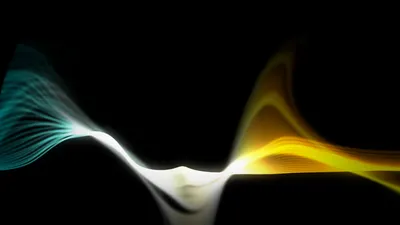
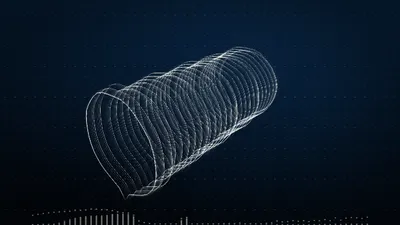
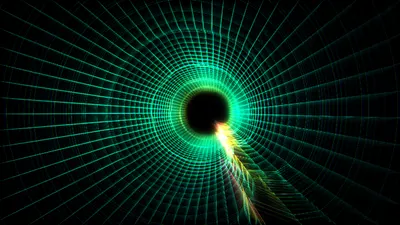
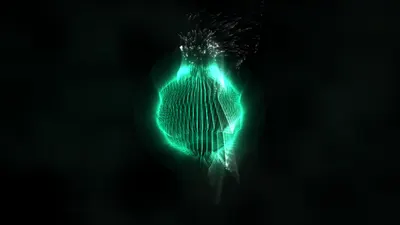
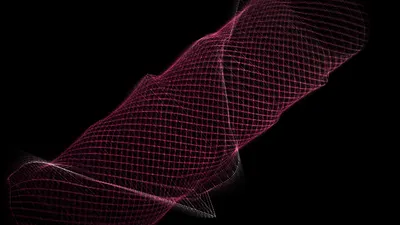
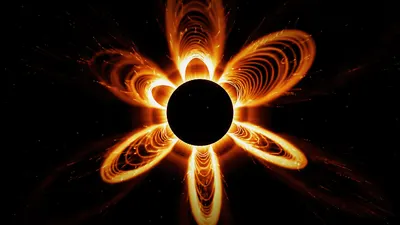
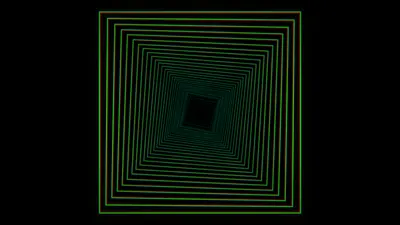
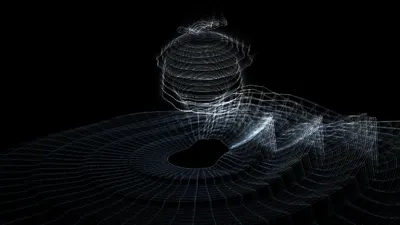
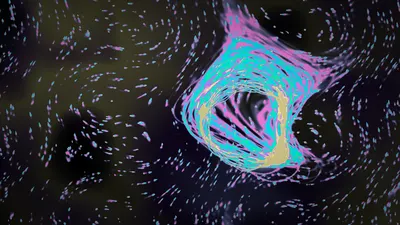
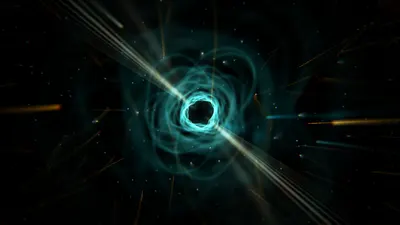
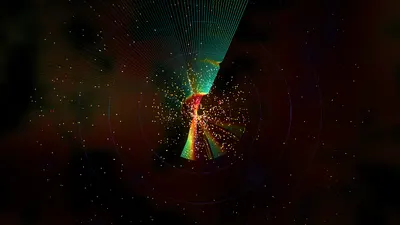
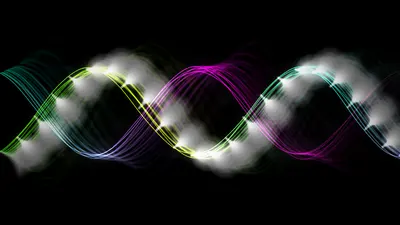
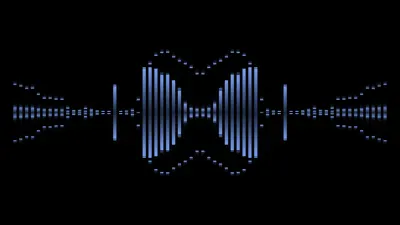
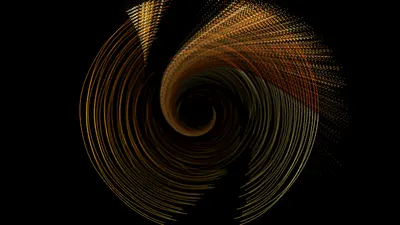
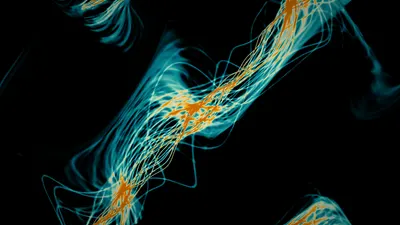
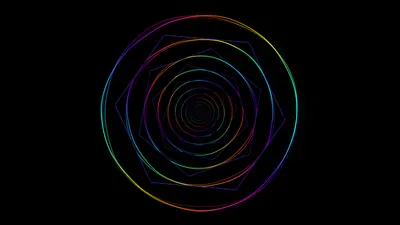
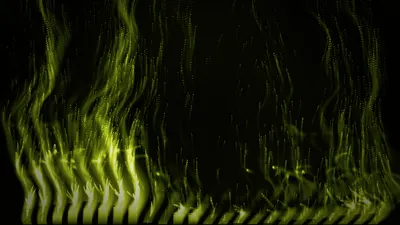
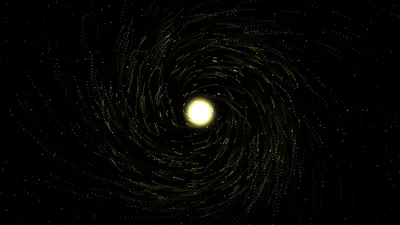
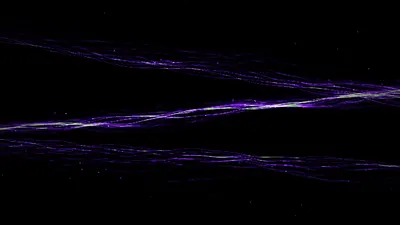
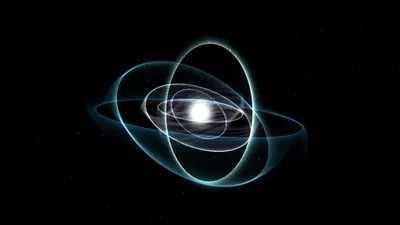
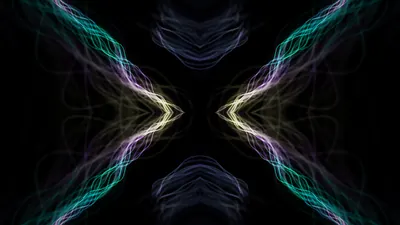
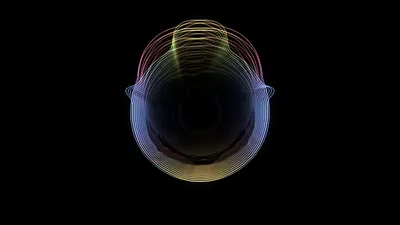
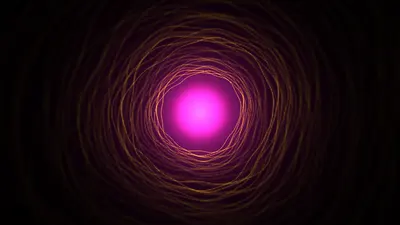
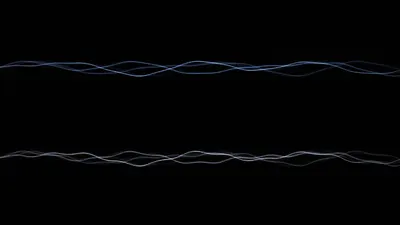
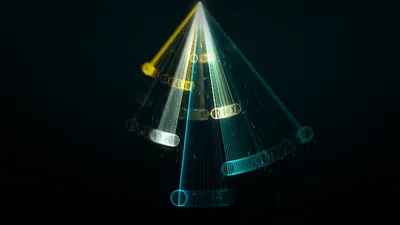
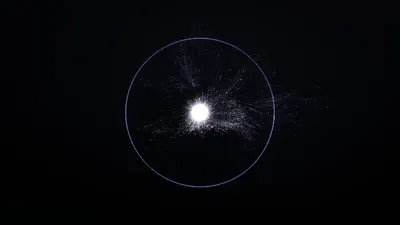
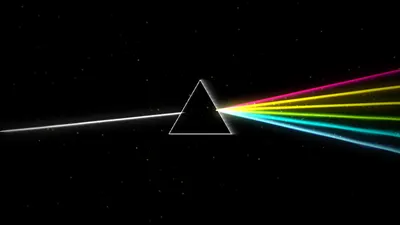
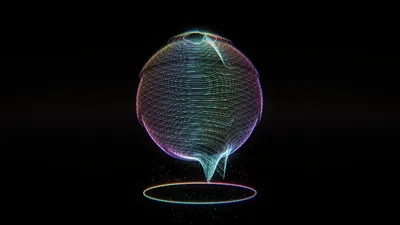
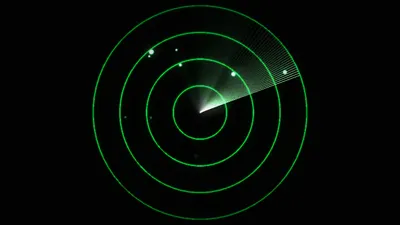
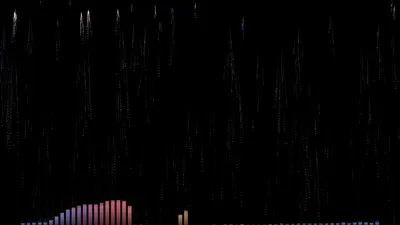
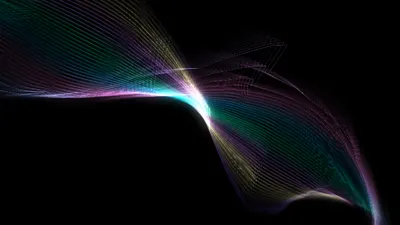
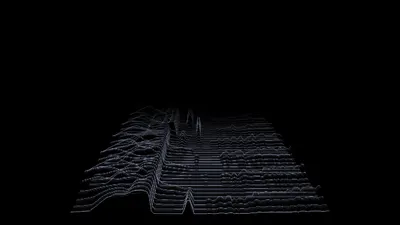
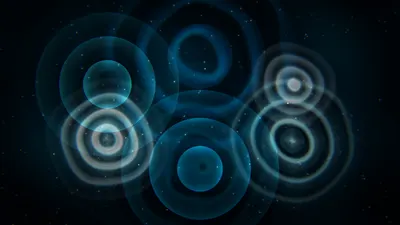
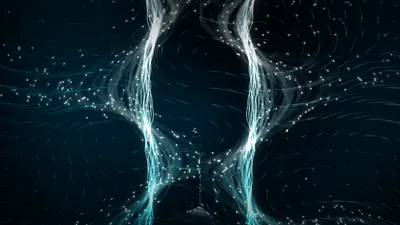
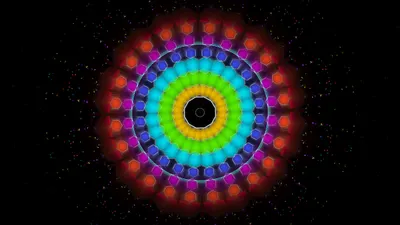
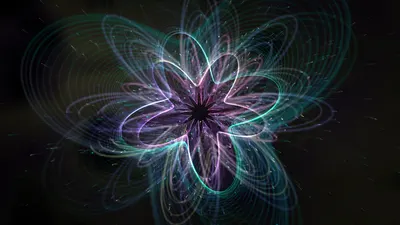
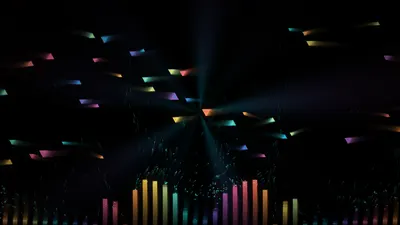
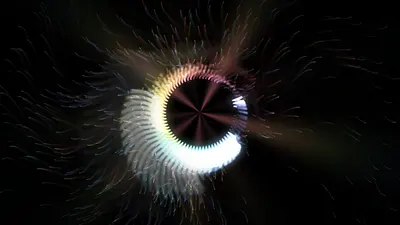
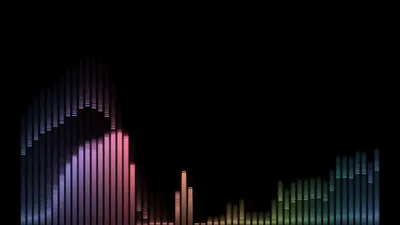
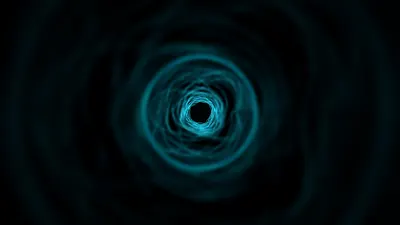
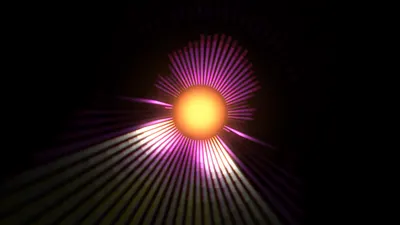
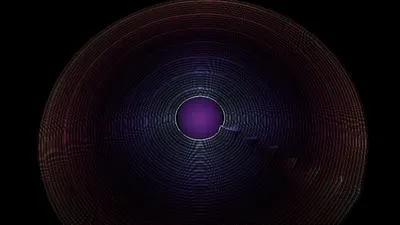
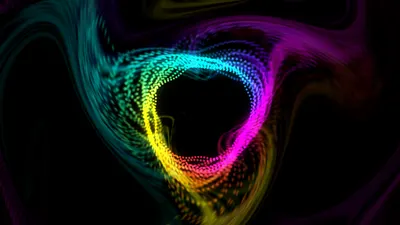
A music visualizer for both Linux and Windows. It listens to any source you like: no setup, just a dropdown. So whatever your speakers play, it draws it.

  • sub0.00
  • low0.00
  • lowmid0.00
  • highmid0.00
  • presence0.00
  • air0.00

Watch it play

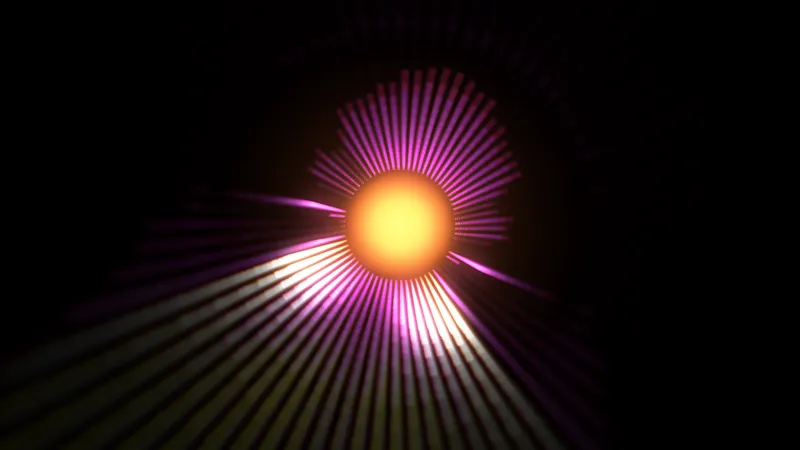
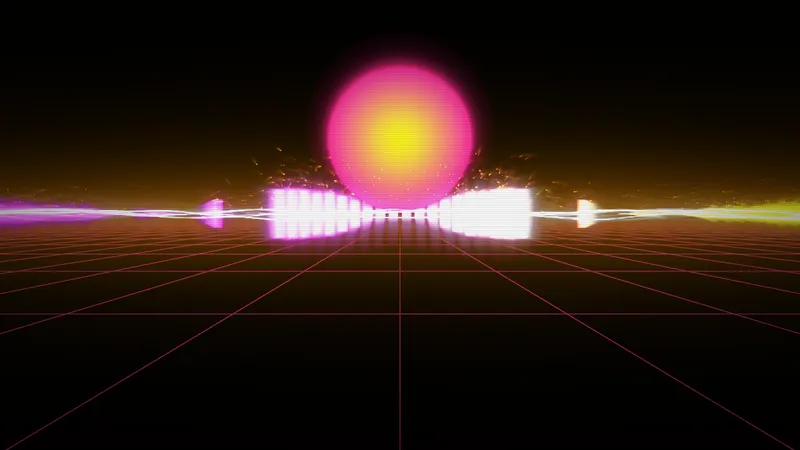
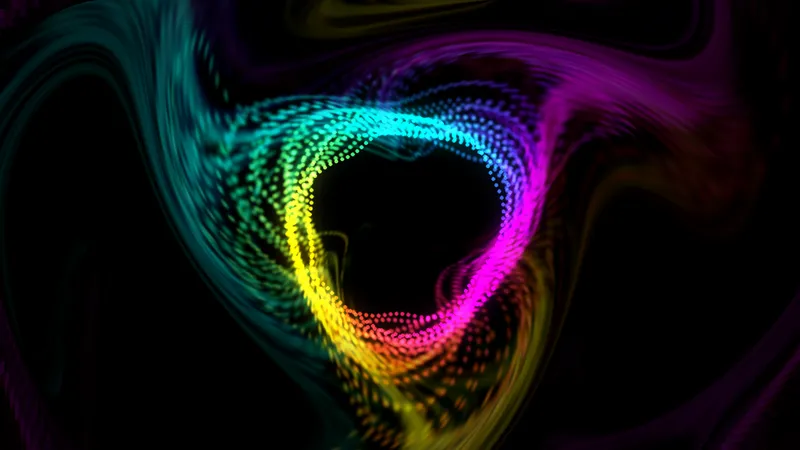
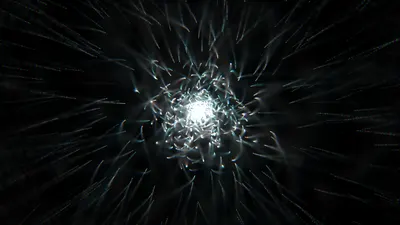
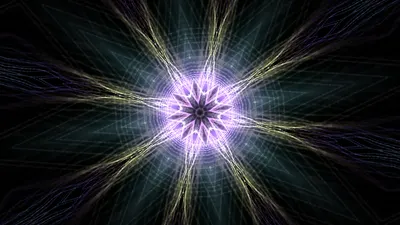
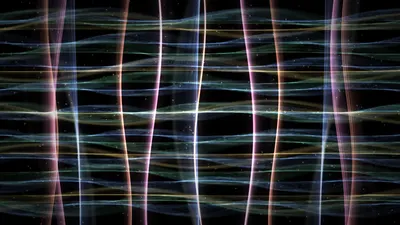
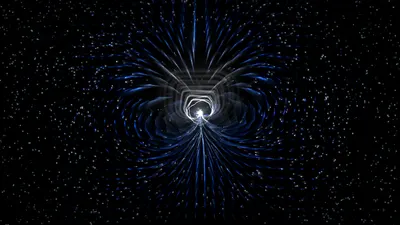
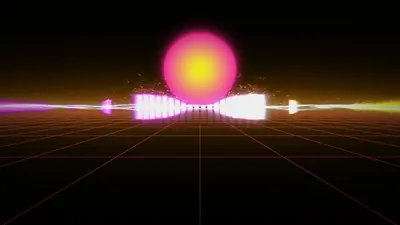
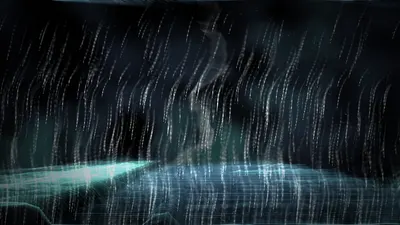
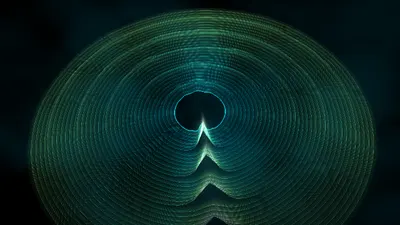
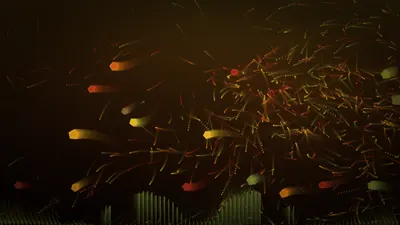
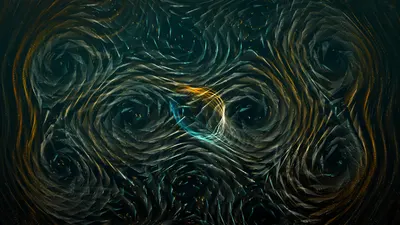
Rendered by Trance itself, frame by frame, then left as it came out.

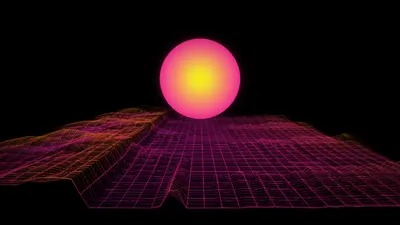
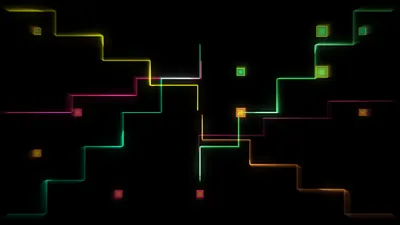
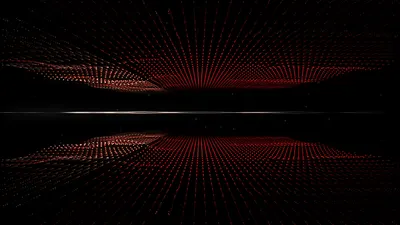
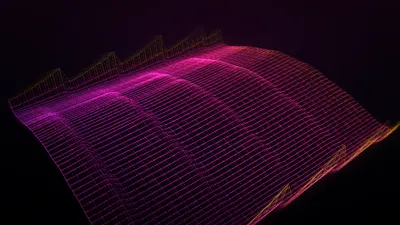
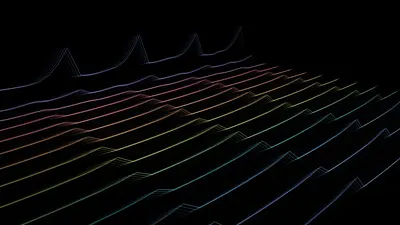
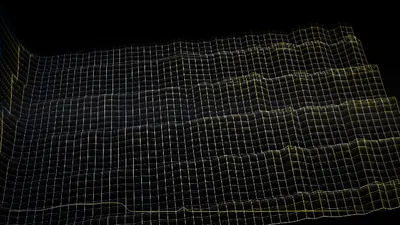
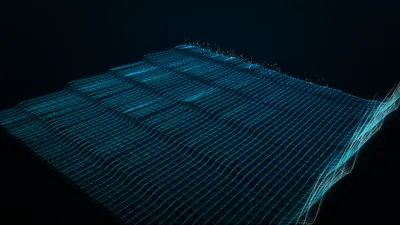
Synth RoadA grid running to the horizon under a sun that beats with the bass.

P Presets

Find a preset by its colors or what it's made of

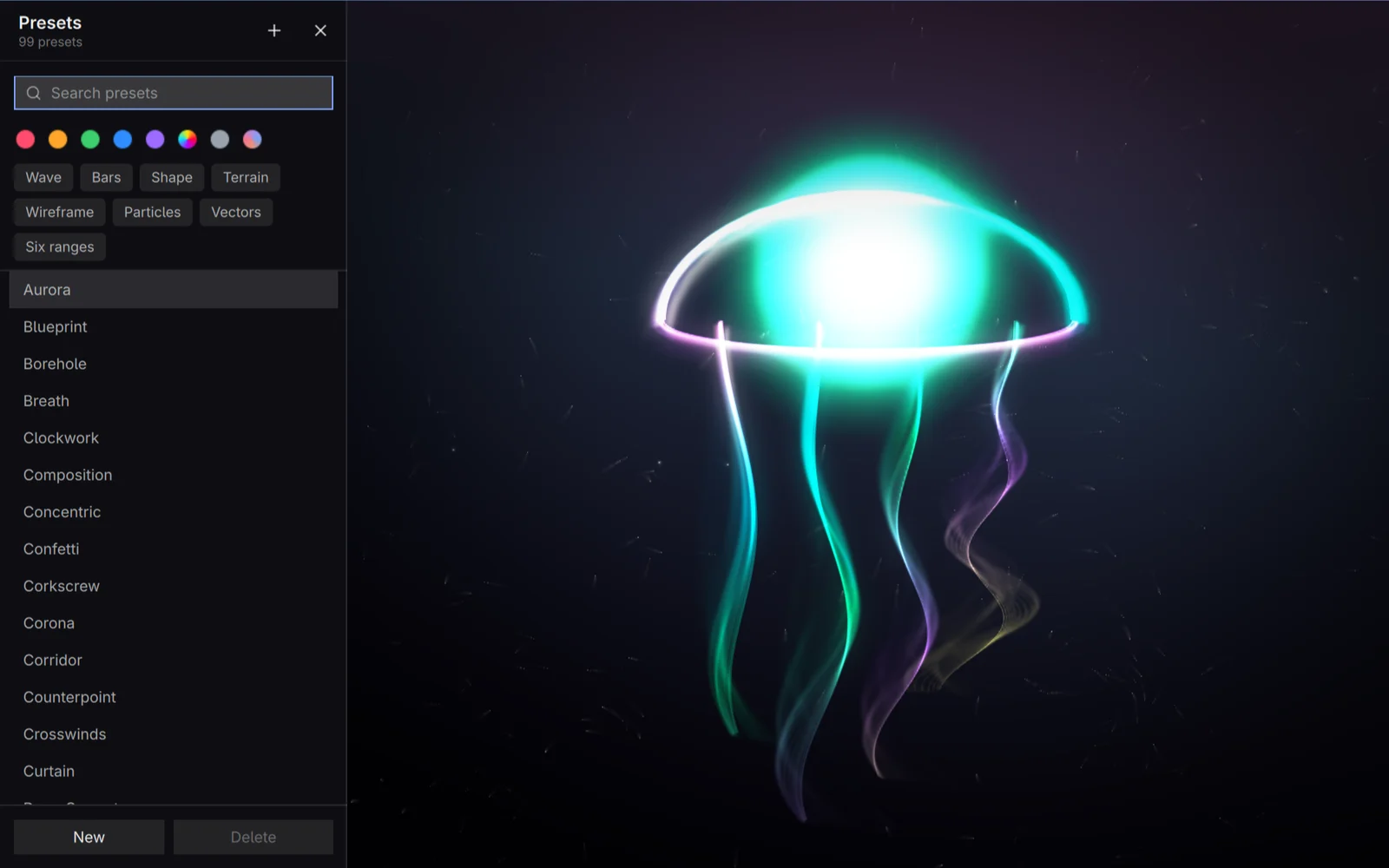
The list opens on the left. Type to find a preset by name, pick a color family, or light up the parts it must have: a kind of layer, or Six ranges for the presets that follow a narrow band of the sound. Each band is thinner than bass, mid or treble, but sampled in finer detail, so a layer can move with the kick or the hi-hat alone instead of the whole mix.

  • Wave
  • Bars
  • Shape
  • Terrain
  • Wireframe
  • Particles
  • Vectors
  • Six ranges
Cycle through these only
Every change stays among the presets that match: the ones that come by themselves, Space, Backspace, R and mash-ups.
Nothing to tag
The filters are read from the presets themselves, so one of your own is sorted as soon as it's saved.
Remembered
The filters stay set between runs. Clear lets everything back in.
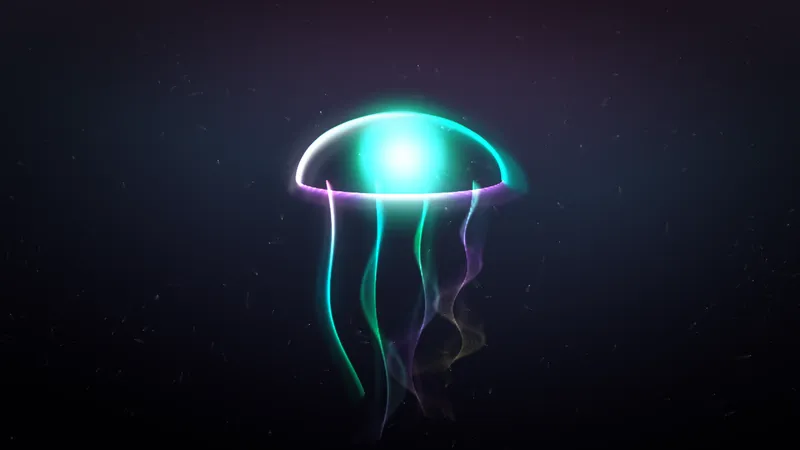
Trance showing Jellyfish, with the preset list open on the left and its color and layer filters above the names

E Editor

Edit anything while it runs

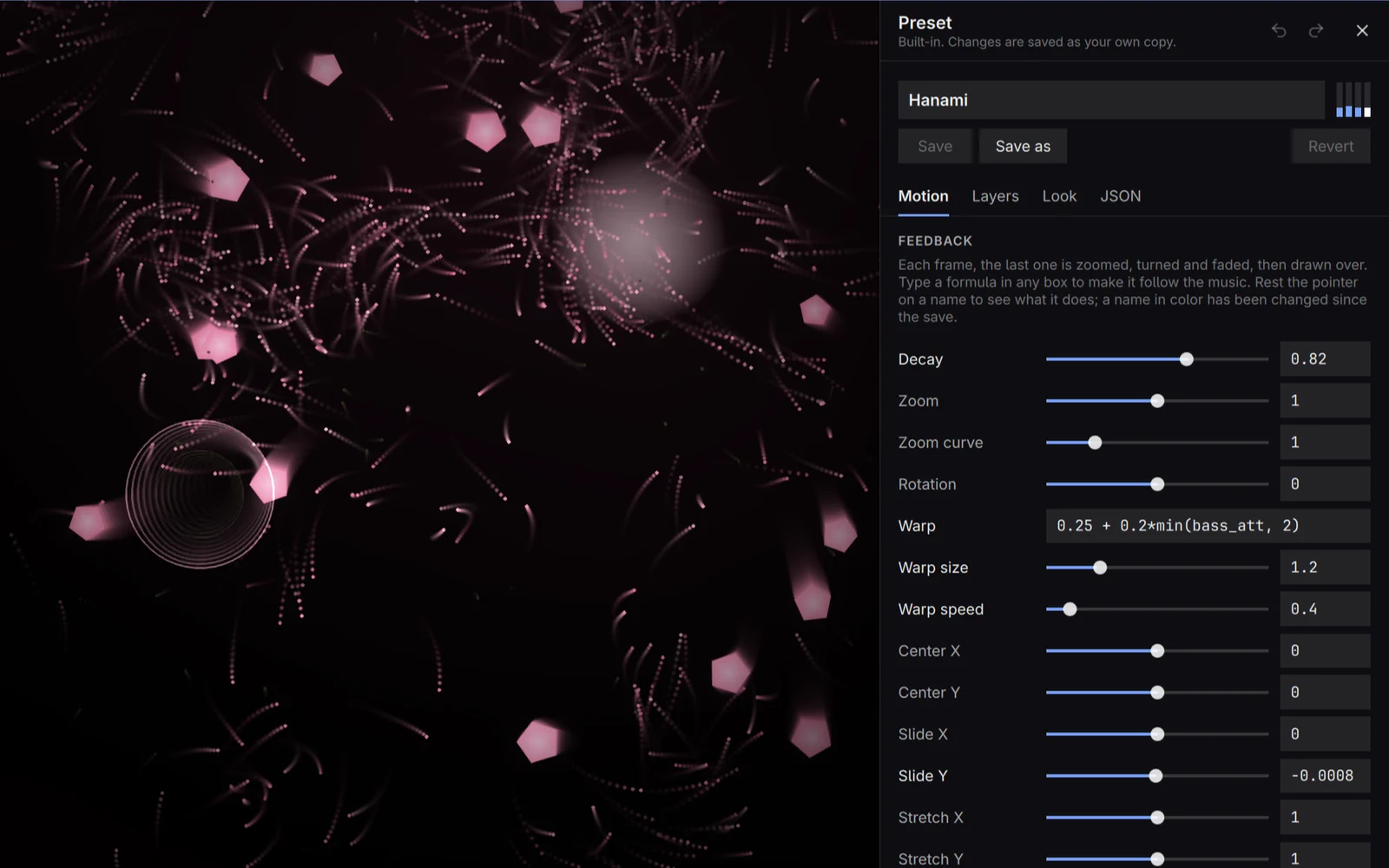
Every setting has a plain name, a slider and an explanation. Any number can instead be a formula of the music, such as 1.02 + 0.05*bass_att. Nothing is written until you save.

Motion, Layers, Look, JSON
How the picture moves, what is drawn in it, its colors, or the whole preset as text. Ctrl+Tab moves between them.
Your own copy
A built-in preset is never overwritten: saving keeps your version beside it.
Undo
Ctrl+Z and Ctrl+Shift+Z, and a double-click on a setting's name puts it back to its default.
Trance showing Hanami, with the preset editor open on its Motion tab and a formula of the bass in the Warp box

S Settings

What applies to every preset

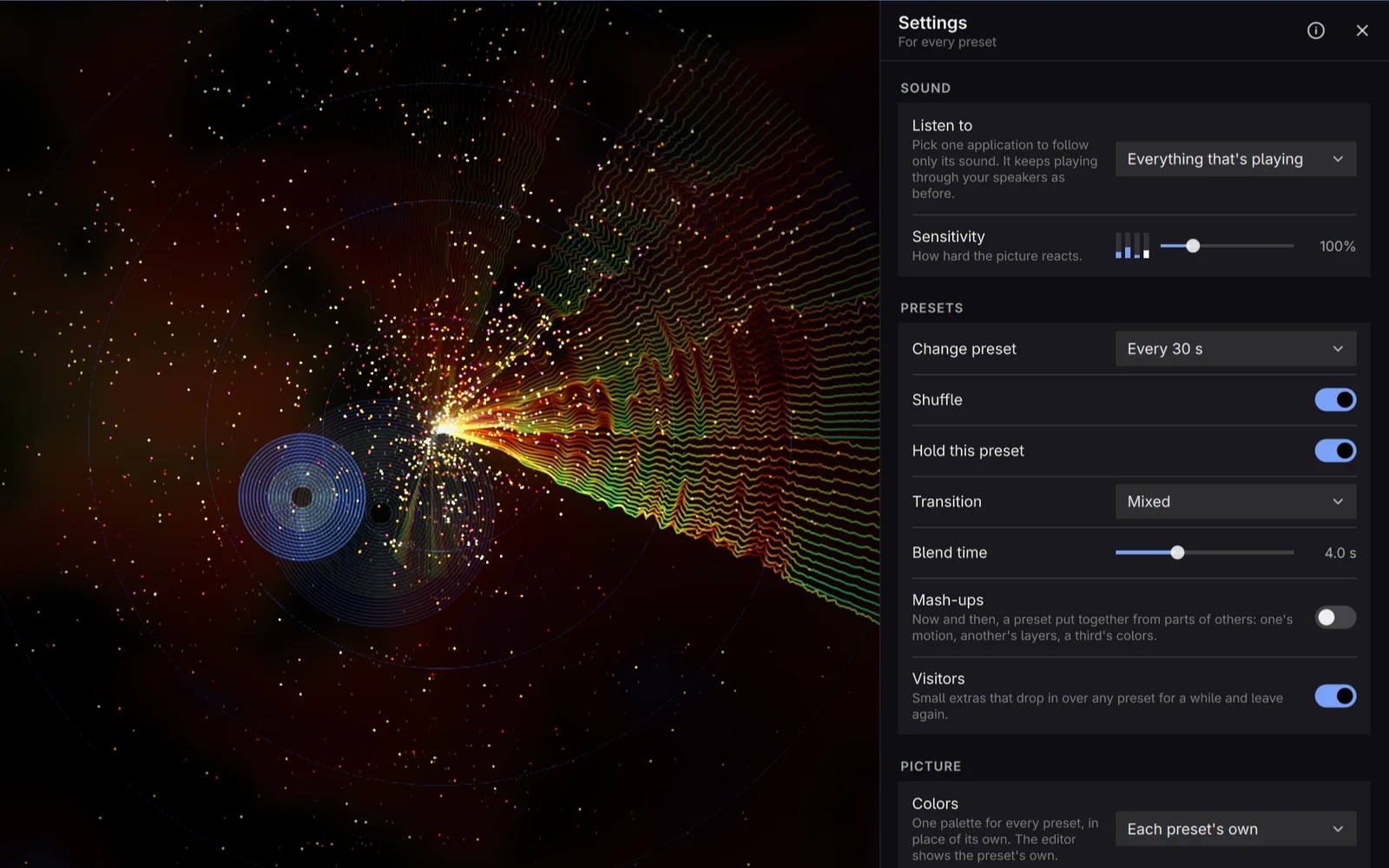
Settings belong to Trance, not to a preset, so they hold whatever is showing. The two panels never overlap: the editor changes this preset, Settings change everything else.

Listen to
Everything that's playing, one application such as Spotify or your browser, or one device. It keeps playing through your speakers as before.
Change preset
How often a new one comes, shuffled or in order, and how two blend: a dissolve, from the middle or the edges, a sweep, clouds, a wipe, blinds, tiles, a spiral or shards.
Colors
One of 53 palettes for every preset, or your desktop theme's colors on Omarchy.
Visitors
Small extras that drop in over any preset for a while and leave again: a comet, fireflies, meteors on the hard beats, a lighthouse beam. There are 18.
Glass
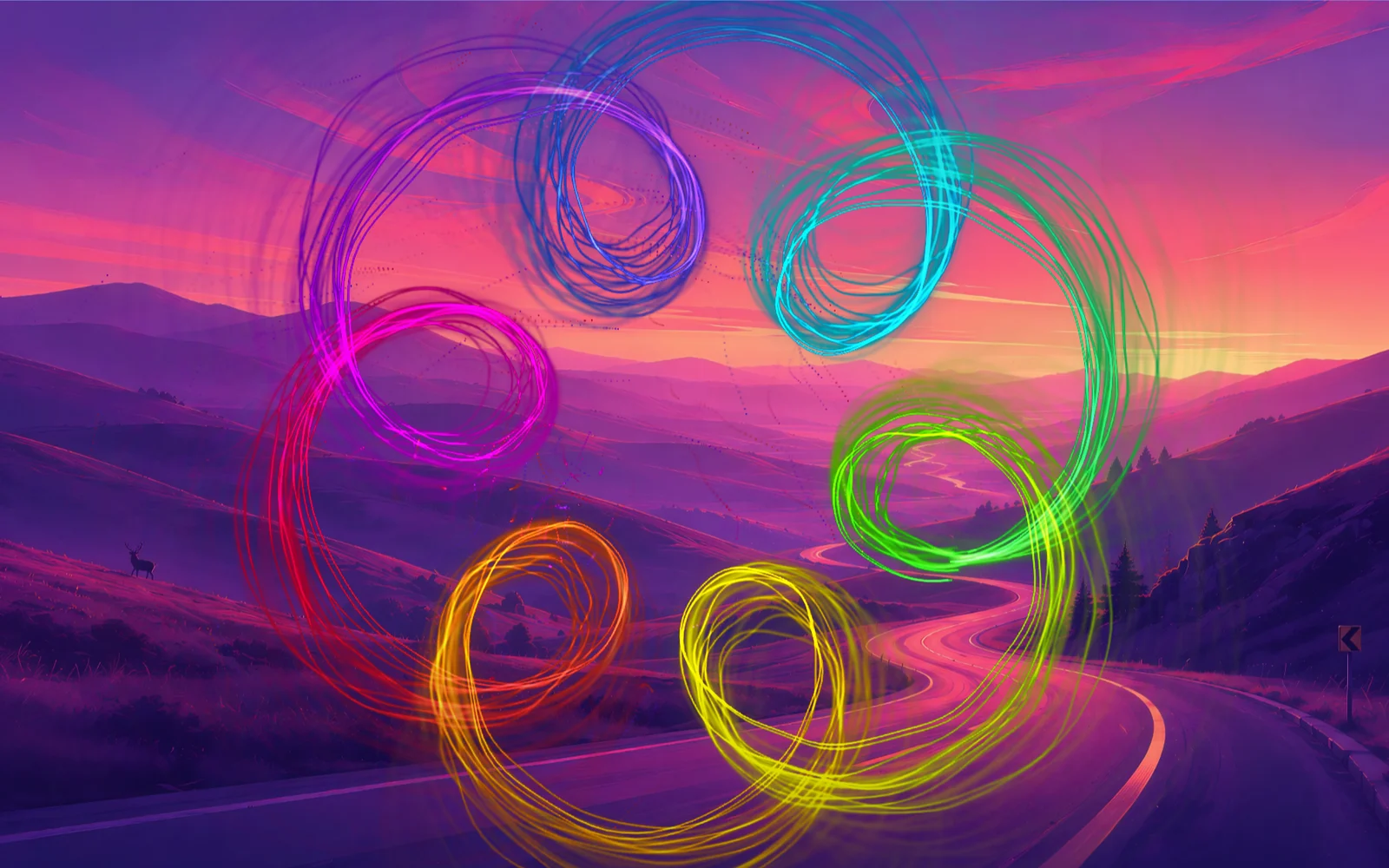
Black turns see-through, so your desktop shows behind the picture.
Trance showing Doppler, with the Settings panel open on the right

G Glass

Let the desktop show through

Black turns see-through, so the picture plays over your wallpaper and windows.

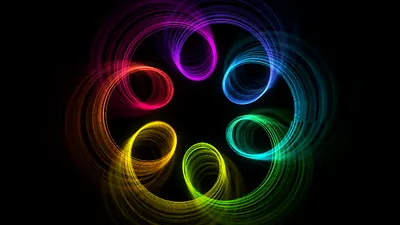
Spirograph's rainbow loops drawn straight over a desktop wallpaper of hills at sunset, with no window behind it

? Shortcuts

A key for everything

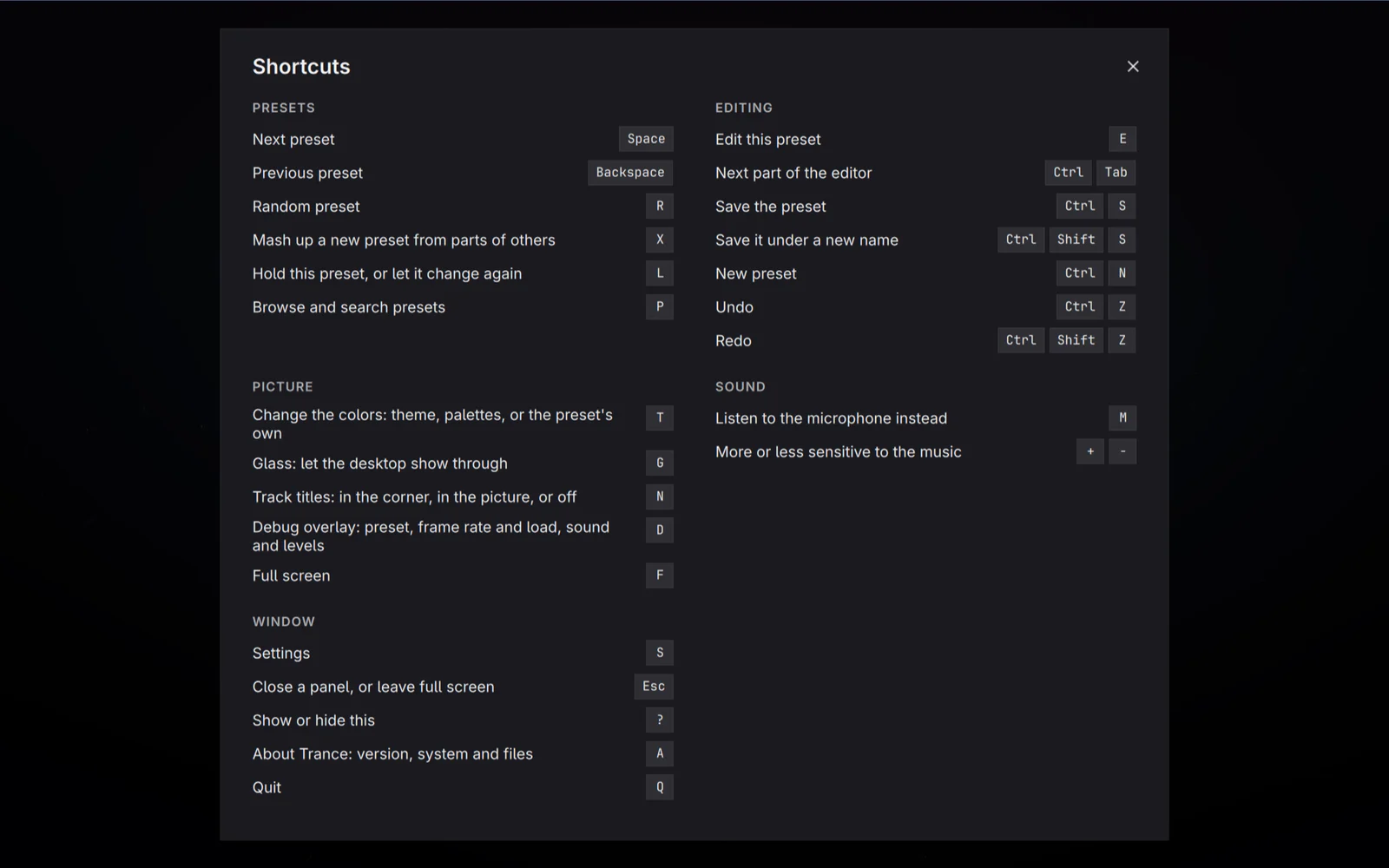
Space for the next preset, X for a mash-up, L to hold one. Press ? in Trance and they're all listed.

Trance's list of keyboard shortcuts, grouped into presets, editing, picture, sound and window

Install

Linux

git clone https://github.com/insomniarox/trance
cd trance
bin/install

On Arch and Omarchy this builds a package and installs it with pacman; elsewhere it runs sudo make install into /usr/local. Then Trance is in your app launcher.
Needs Qt 6.5 or newer, PipeWire and OpenGL 3.3.

Windows

Installs for you alone, with no administrator needed, and puts Trance in the Start menu. The zip runs from any folder.

Windows 11 24H2 or later, x64. The installer isn't signed yet: if Windows warns you, choose More info, then Run anyway.